Gold jewellery is one of the hardest things to photograph well — whether with a camera or AI. The reflective surface, warm colour, and intricate detailing can look flat, overexposed, or cheap if you get the lighting wrong.
Here's how to consistently produce luxurious gold jewellery images using AI.
The golden rule: warm lighting only
The single biggest mistake in gold photography is using cool or neutral lighting. Gold looks its best under warm, golden-toned light. In your AI prompts, always specify:
- "warm golden studio lighting"
- "soft warm ambient light"
- "golden hour directional light"
Avoid: "cool studio light", "daylight balanced", "bright white light" — these make gold look like brass.
Best surfaces for gold jewellery
| Surface | Effect | Best For |
|---|---|---|
| Dark velvet | Rich, luxurious contrast | Bridal and heavy pieces |
| Polished marble | Clean, modern premium | Everyday and minimalist gold |
| Silk (maroon/ivory) | Traditional Indian luxury | Kundan, temple, heritage pieces |
| Mirror/glass | Reflections add depth | Statement and designer pieces |
| Matte black slate | Contemporary editorial | Modern and geometric gold |
Prompt templates for different gold types
22k Yellow Gold (Indian/Bridal):
a 22k yellow gold bridal necklace with intricate filigree work on deep maroon silk, warm golden studio lighting, royal Indian aesthetic, macro detail on gold texture, photorealistic --ar 4:5
18k Rose Gold (Modern/Minimalist):
a delicate 18k rose gold chain bracelet with a small diamond accent on blush pink marble, soft natural window light, clean minimal aesthetic, photorealistic --ar 1:1
White Gold (Contemporary/Elegant):
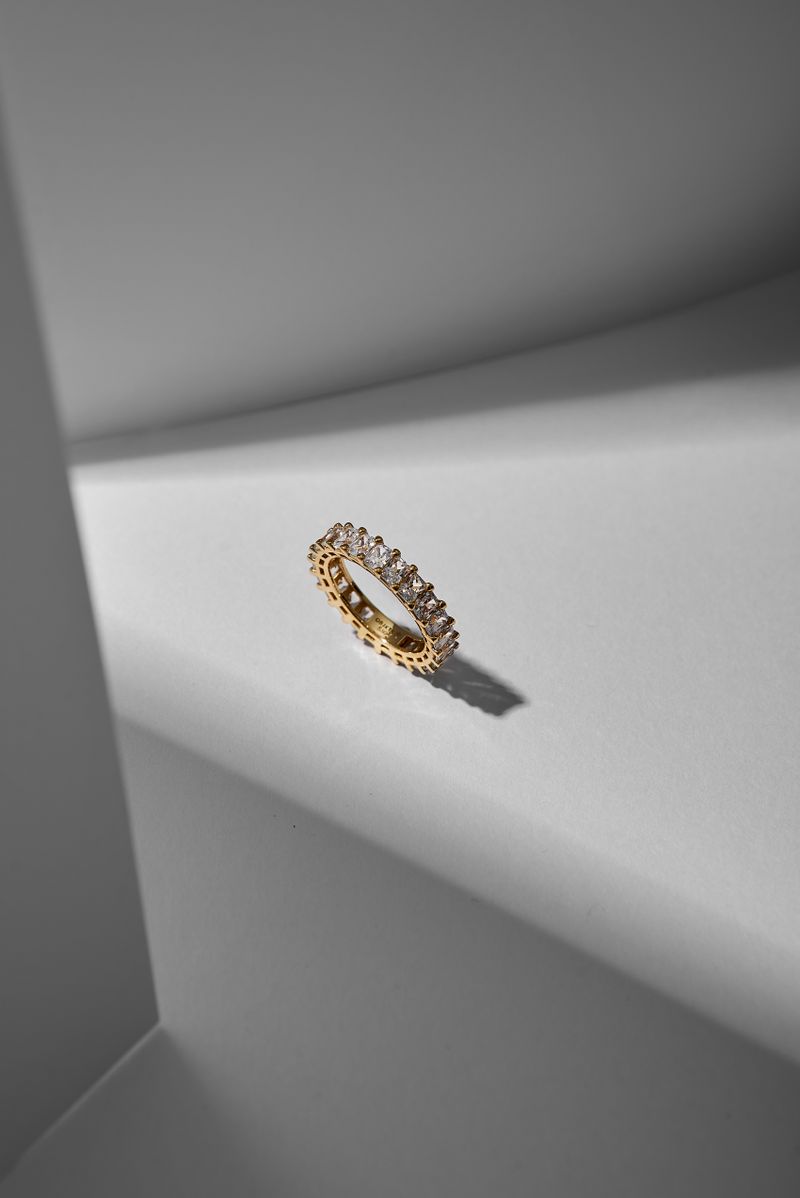
a white gold diamond eternity band on polished black marble, dramatic spotlight with rim light, luxury editorial style, ultra-detailed, photorealistic --ar 4:5
Common mistakes and how to fix them
- Gold looks orange or brassy → Change "bright light" to "warm golden light"
- Details are lost → Add "macro detail on gold filigree/texture" to your prompt
- Image looks flat → Add "directional rim light" or "dramatic spotlight"
- Reflections look fake → Add "natural reflections on [surface material]"
Consistency across a gold collection
When photographing a full gold jewellery collection, use the same:
- Background colour and material
- Lighting direction and warmth
- Camera angle and distance
This creates a cohesive catalogue that looks professional and builds brand trust.
Ready-made gold jewellery prompts
The Jewellery Prompts Pack includes 20+ tested prompts specifically for gold jewellery — covering yellow gold, rose gold, white gold, and gold with various stone combinations.