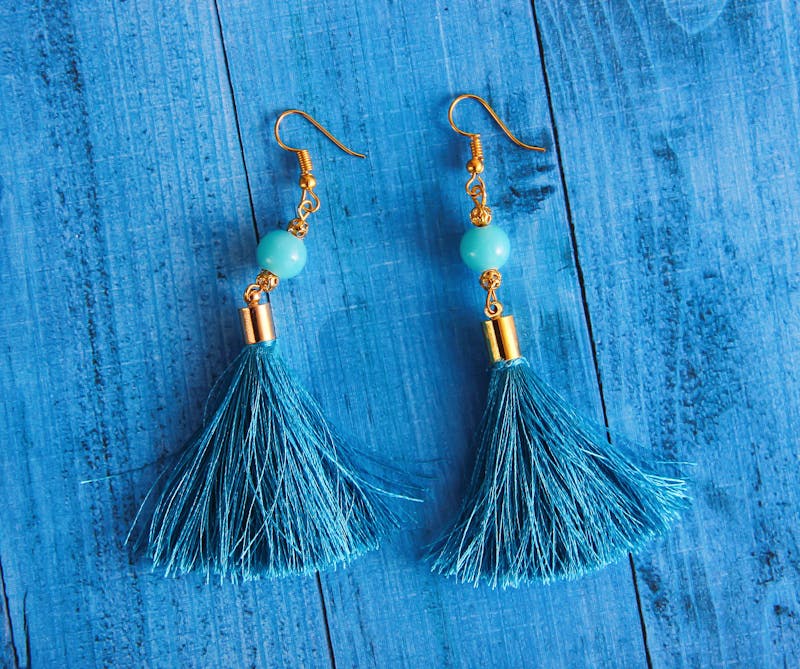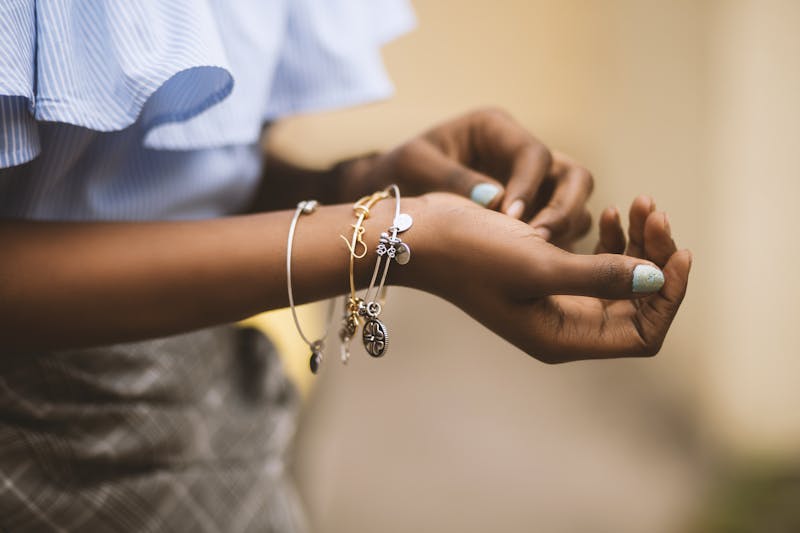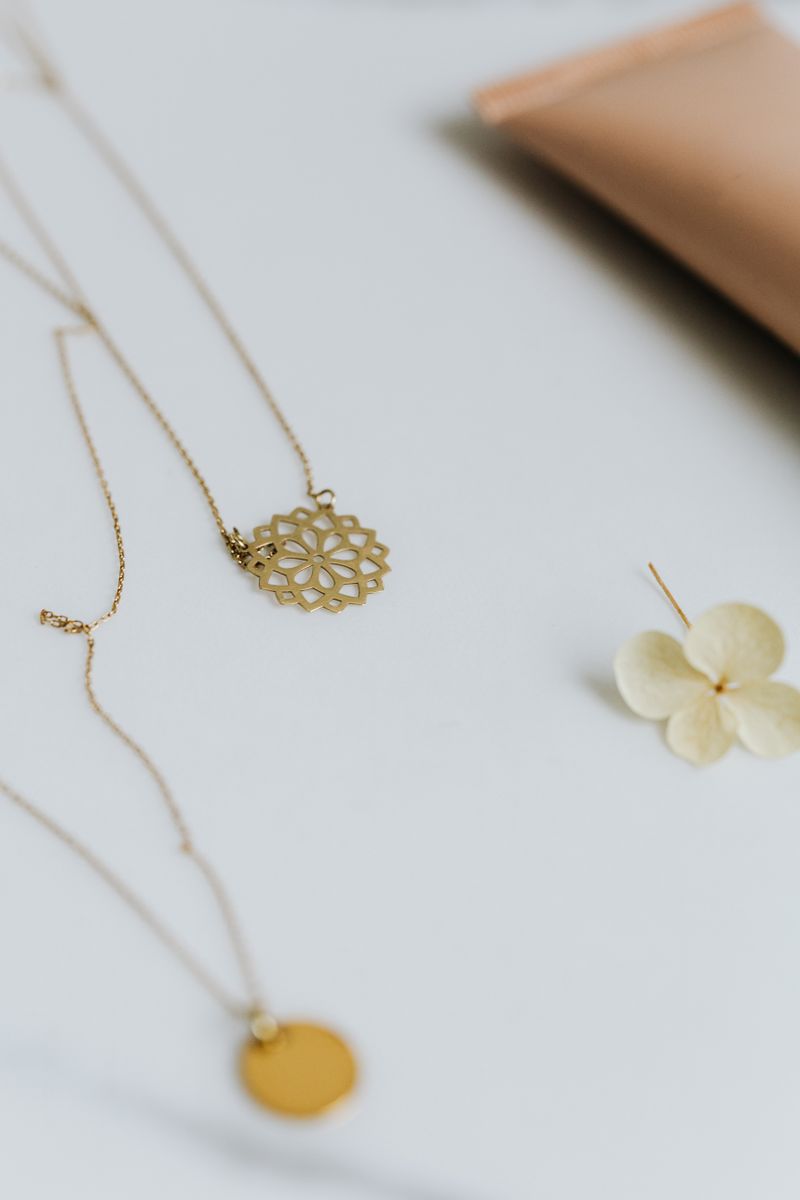
AI jewellery photography is powerful — but only when done right. Most beginners make the same handful of mistakes that make their images look obviously AI-generated, cheap, or just "off."
Here are the 10 most common errors and the exact prompt tweaks that fix them.
1. Vague metal description
Mistake: "a gold ring" — AI doesn't know if you mean yellow gold, white gold, rose gold, or 18k vs 22k.
Fix: Always specify: "a warm 22k yellow gold ring" or "a polished 18k white gold ring"
2. Wrong lighting for the metal
Mistake: Using "bright studio light" for gold (makes it look like brass).
Fix: Use "warm golden studio lighting" for gold, "cool bright light" for silver and platinum.
3. No surface specification
Mistake: Leaving the background to AI's imagination — you get random, inconsistent surfaces.
Fix: Always name the surface: "on polished black marble", "on deep red velvet", "on seamless white background"
4. Missing camera/lens details
Mistake: No camera specification — images look like illustrations, not photographs.
Fix: Add "shot on 100mm macro lens, f/8, product photography" for realistic depth of field.
5. Overloading the prompt
Mistake: Trying to describe 10 things in one prompt — AI gets confused and produces muddy results.
Fix: One piece, one surface, one lighting setup, one style. Keep it focused.
6. Ignoring aspect ratio
Mistake: Using default square images for Instagram (4:5 performs better) or catalogue (1:1 is standard).
Fix: Always add --ar 4:5 for social, --ar 1:1 for catalogue, --ar 9:16 for stories.
7. Not using --style raw
Mistake: Default AI style adds an "AI look" — too saturated, too artistic.
Fix: Add --style raw for more photographic, less "painted" results.
8. No scale reference
Mistake: Product floats in space with no sense of size — buyers can't judge dimensions.
Fix: Add "next to a small coin for scale" or "on a model's hand" for context.
9. Inconsistent style across a collection
Mistake: Each product photo has different lighting, background, and mood.
Fix: Create a template prompt and only change the product description. Lock everything else.
10. Skipping the variation step
Mistake: Taking the first generation as final — often the 2nd or 3rd variation is much better.
Fix: Always generate 4 variations, upscale the best, then create 4 more variations from that.
The shortcut: skip all 10 mistakes
Every prompt in the Jewellery Prompts Pack has been tested to avoid these exact issues. You get reliable, realistic jewellery images from the very first generation.