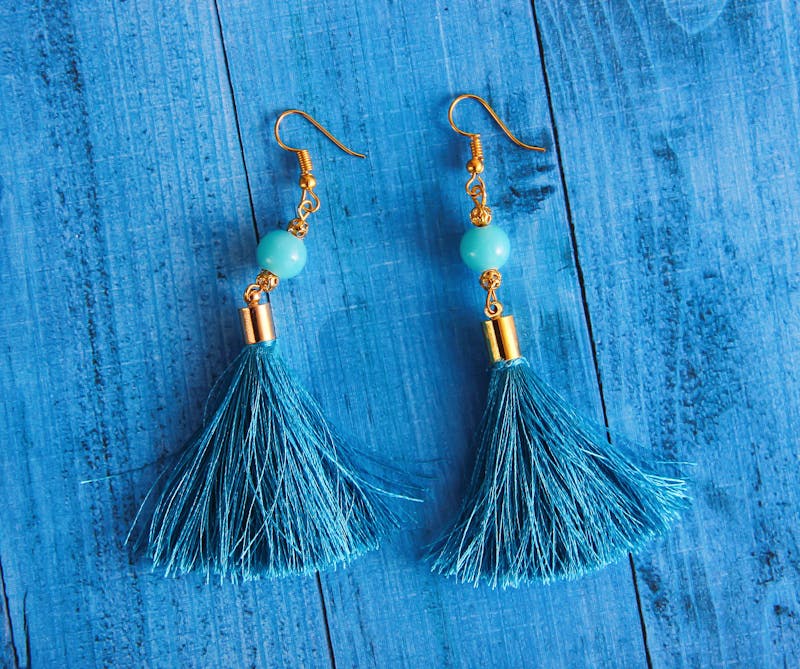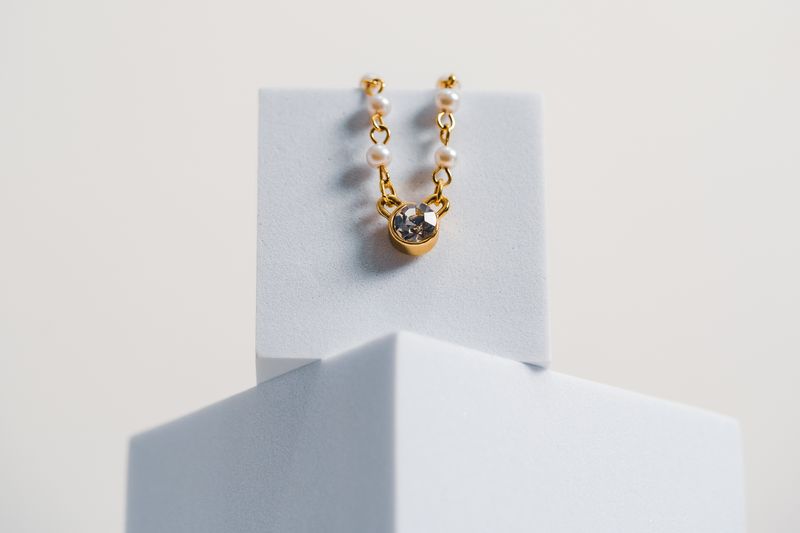
Selling jewellery online is 90% visual. Buyers can't touch, feel, or try on your pieces — your photos do all the selling. AI-generated product photography gives you studio-quality images at a fraction of the cost, and here's exactly how to use them.
Why product photos determine your conversion rate
Studies show that 75% of online shoppers rely on product photos when deciding whether to buy. For jewellery — where trust and perceived value are everything — this number is even higher.
Poor photos = low trust = no sales. Professional photos = high trust = more conversions.
The AI product photo workflow for e-commerce
Step 1: Create your base prompt template
Start with a prompt that produces clean, consistent catalogue-style images:
[PIECE DESCRIPTION] on a seamless white background, soft even studio lighting, no shadows, product photography, high resolution --ar 1:1 --style raw
Replace [PIECE DESCRIPTION] for each product. Keep everything else identical for consistency.
Step 2: Generate multiple angles
For each listing, create:
- Front view (hero image)
- 45-degree angle (shows depth and setting)
- Detail/macro (stone quality, metal finish)
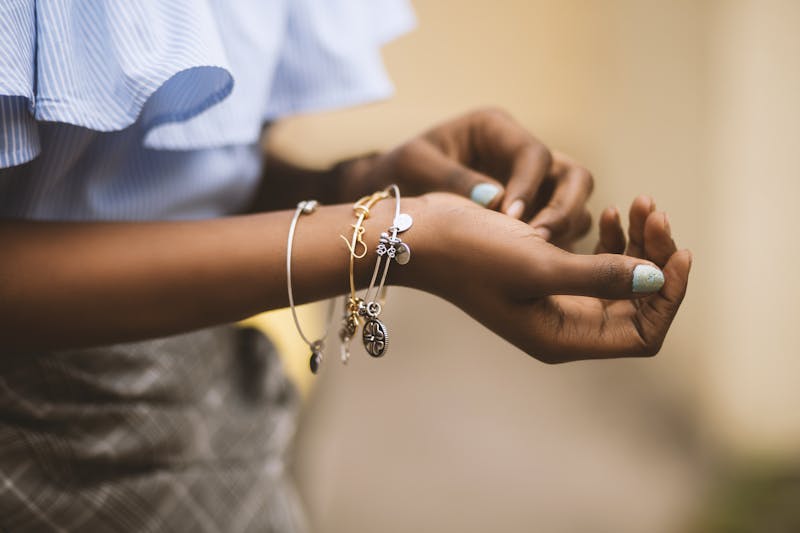
- Scale shot (piece on a hand or next to a coin)
Step 3: Edit minimally
AI images usually need very little editing. If needed:
- Crop to square for Shopify/Etsy
- Ensure white background is pure white (#FFFFFF)
- Check colour accuracy against the real piece
Platform-specific tips
Shopify: Use 2048×2048px images. First image is your hero — make it the cleanest, most eye-catching shot.
Etsy: Lifestyle images outperform plain white backgrounds. Use AI to create styled scenes with silk, marble, or floral props.
Instagram Shop: Use 4:5 aspect ratio. Mix product-only and lifestyle shots for a feed that looks curated.
Using AI photos for paid ads
AI-generated images are perfect for Facebook and Google Shopping ads because you can:
- A/B test multiple backgrounds and styles quickly
- Create seasonal variations (Diwali, Christmas, Valentine's) without re-shooting
- Match ad creative to audience segments (bridal vs everyday)
Cost comparison
| Method | Cost for 50 products | Turnaround |
|---|---|---|
| Professional photographer | ₹75,000–₹2,50,000 | 2–4 weeks |
| DIY with lightbox | ₹5,000 (equipment) + 10 hours | 1 week |
| AI prompts | ~₹500 in credits | Same day |
Get started today
The Jewellery Prompts Pack includes dedicated e-commerce prompt templates for Shopify, Etsy, and marketplace listings — plus ad creative prompts for every season and occasion.