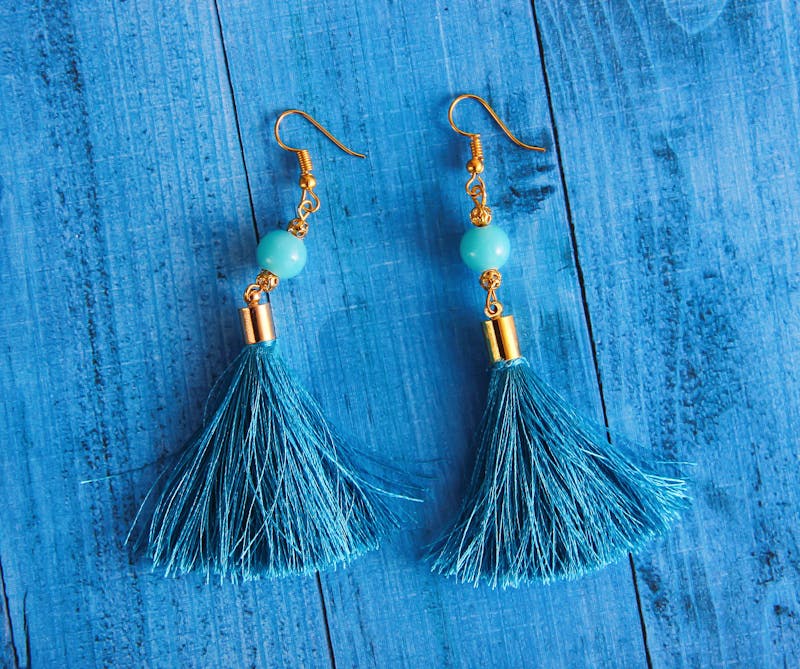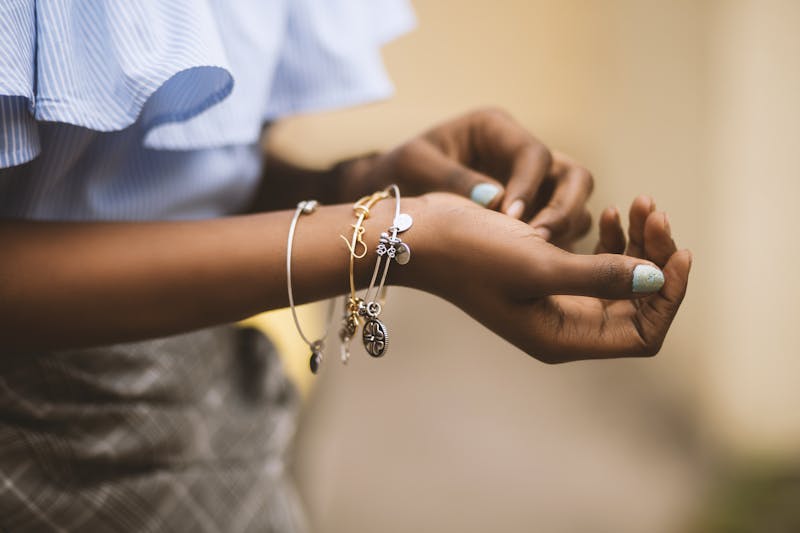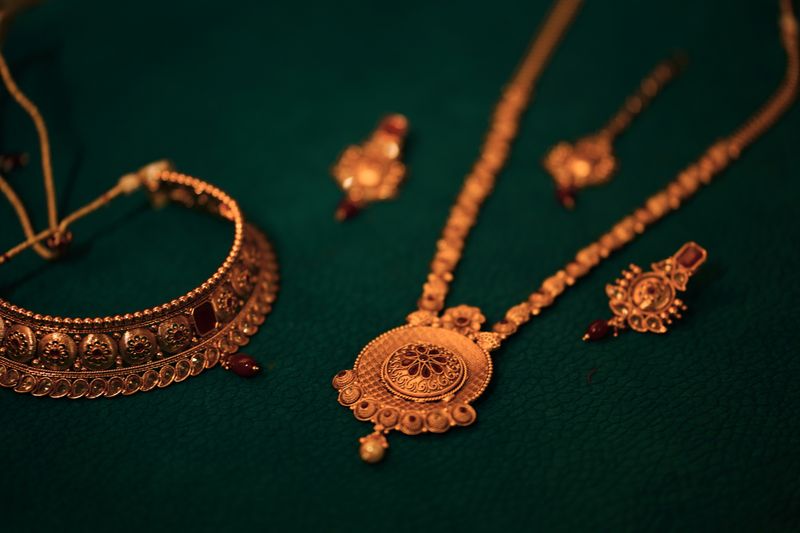
Leonardo AI is one of the best free tools for generating jewellery photos. It offers impressive quality, multiple model options, and a generous free tier — making it perfect for jewellery sellers who want to experiment before investing in paid tools.
Here's a complete beginner's guide to getting stunning jewellery images from Leonardo AI.
Getting started with Leonardo AI
- Sign up at leonardo.ai (free tier includes 150 tokens/day)
- Choose your model: Leonardo Phoenix is best for photorealistic jewellery
- Set dimensions: 1024×1024 for catalogue, 1024×1280 for social media
- Enable "PhotoReal" for maximum realism
Best Leonardo settings for jewellery
| Setting | Recommended Value | Why |
|---|---|---|
| Model | Leonardo Phoenix | Best photorealism |
| Image Dimensions | 1024×1024 or 1024×1280 | Square for catalogue, portrait for social |
| Guidance Scale | 7–9 | Higher = more prompt adherence |
| PhotoReal | ON | Dramatically improves realism |
| Alchemy | ON (paid) | Enhanced detail and coherence |
Prompt structure for Leonardo
Leonardo responds well to natural language, but specificity still matters:
Professional product photography of a 22k gold kundan necklace with emerald stones on deep maroon silk fabric, warm golden studio lighting, royal Indian jewellery aesthetic, highly detailed, photorealistic, 8K resolution
Leonardo vs AI for jewellery
| Factor | Leonardo AI | AI |
|---|---|---|
| Free tier | 150 tokens/day | None |
| Photorealism | Very good (Phoenix) | Excellent |
| Ease of use | Web UI, beginner-friendly | Discord, learning curve |
| Consistency | Good with seed values | Excellent with templates |
| Best for | Experimentation, budget | Final production quality |
Leonardo-specific tips for jewellery
- Use negative prompts: "blurry, cartoon, illustration, painting, low quality, deformed"
- Set a seed value for consistency — once you find a good look, reuse the seed with different product descriptions
- Use "Image Guidance" — upload a reference photo and Leonardo will match the style
- Generate in batches — create 4 images per prompt, pick the best, then upscale
Prompt examples for Leonardo
Diamond ring:
A brilliant round diamond solitaire ring in a platinum setting, displayed on polished black granite, dramatic studio lighting showing prismatic fire and sparkle, professional jewellery photography, photorealistic
Gold bangles:
A stack of five 22k gold bangles with intricate traditional patterns on dark red velvet, warm golden lighting, macro detail on engravings, luxury product photography
Pearl necklace:
A strand of South Sea pearls with a diamond clasp, laid on ivory satin, soft diffused lighting showing pearl lustre and overtone, elegant jewellery photography
When to upgrade to AI
Leonardo is excellent for learning and budget-conscious production. When you need:
- Maximum photorealism for hero product shots
- Pixel-perfect consistency across 100+ products
- Advanced features like camera angle control
...that's when AI becomes worth the investment. Our prompt pack includes optimised versions for both tools.